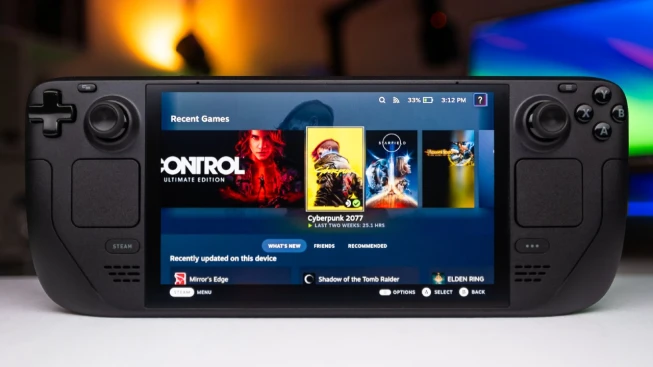
People have asked many profound philosophical questions throughout history. What is our goal? Who created us? And do the trackpads on Steam Deck really make a difference in the gaming world? Scientists, philosophers and gamers have been interested in these problems for years.
Recently, Steam Deck's trackpads have sparked debate in online forums and communities, with some users insisting that a handheld running SteamOS without them cannot be a true Steam Deck.
Personal experience with trackpads
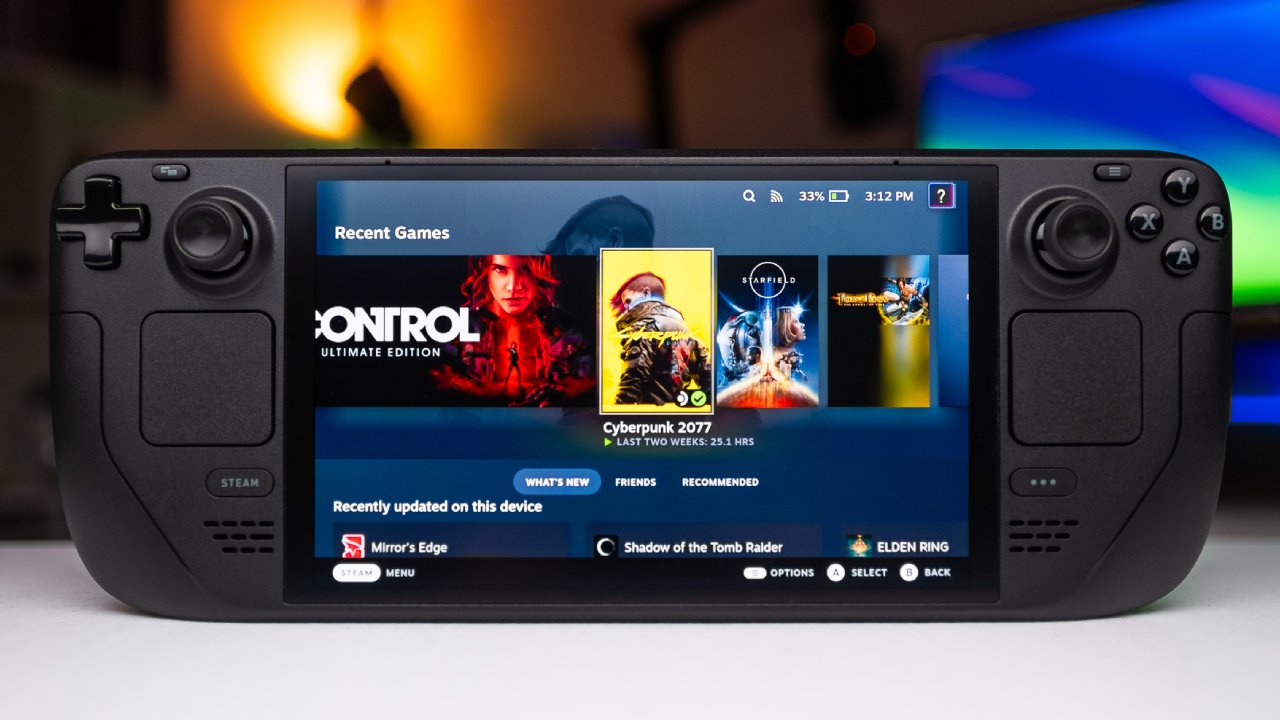
We have to admit that we've never used the trackpads – in any game and not even in desktop mode. When we mentioned that the Legion Go OS SteamOS model was essentially a Steam Deck 2, we received a lot of criticism. This confused me because Valve officially collaborated with Lenovo to release their software on it and the functionality seemed comparable. I was wondering if Steam Deck trackpads are as important as many claim.
The Steam Deck layout is ergonomically impressive. The buttons and thumbsticks are perfectly positioned so you can comfortably play games like Sonic Adventure for hours. Steam Deck's design is instantly recognizable. But as far as the large trackpads go, we never felt compelled to use them. In fact, accidental touches often cause the mouse cursor to appear, which interrupts the game and is frustrating.
Trackpads in gaming
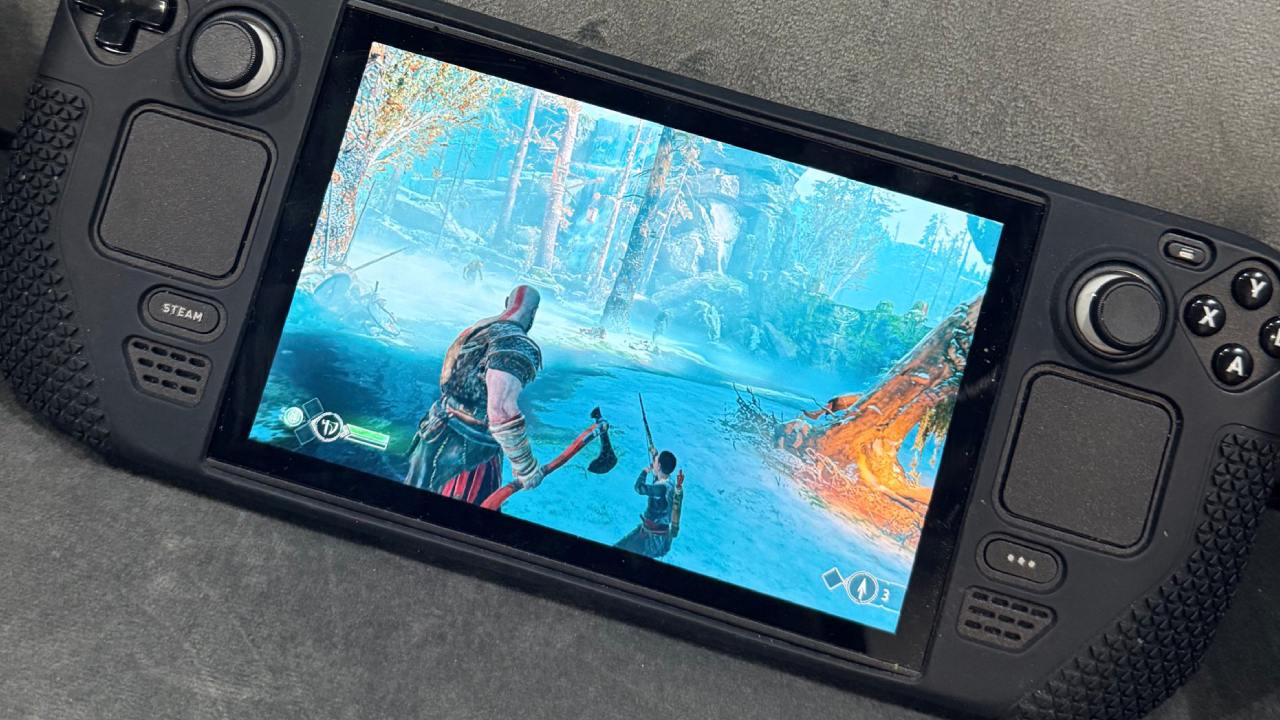
Many people love the trackpads and use them for strategy games like Civilization, RPGs like Diablo III, first-person shooters like Doom and Half-Life 2, and even puzzle games. You can assign trackpads to different functions to improve gameplay.
In first-person shooters, it allows you to quickly switch between menus and manage your items more quickly. In strategy games, the trackpads serve as a mouse, creating a classic PC gaming feeling. They can even support Wii and Wii U games, although we don't plan on trying that.
Trackpads in desktop mode
The trackpads also shine in desktop mode. When moving files or managing ROMs, touchscreen navigation can be cumbersome and trackpads provide a smoother experience.
We decided to give them a try, and although they were difficult to use at first, they eventually made navigating desktop tasks easier. However, we still prefer using a traditional mouse for precision work.
Are trackpads essential?
While trackpads improve certain aspects of gaming and desktop interaction, we don't believe they are strictly necessary for a device to be considered a Steam Deck. The operating system is far more important than the hardware alone. Valve's SteamOS is what makes Steam Deck special, and brand loyalty is often focused on the device itself rather than the software it runs on.
Third-party handhelds running SteamOS, such as Some models, such as Lenovo models, offer better hardware and performance while maintaining the core SteamOS experience. The functionality remains largely the same, even on devices without trackpads.
Valve is also working on getting SteamOS to run on ARM devices so that its new VR headset can run on Snapdragon devices. It may be a stretch to call these phones a “Steam Deck,” but it shows how SteamOS is becoming more flexible beyond Valve's hardware.
Final thoughts
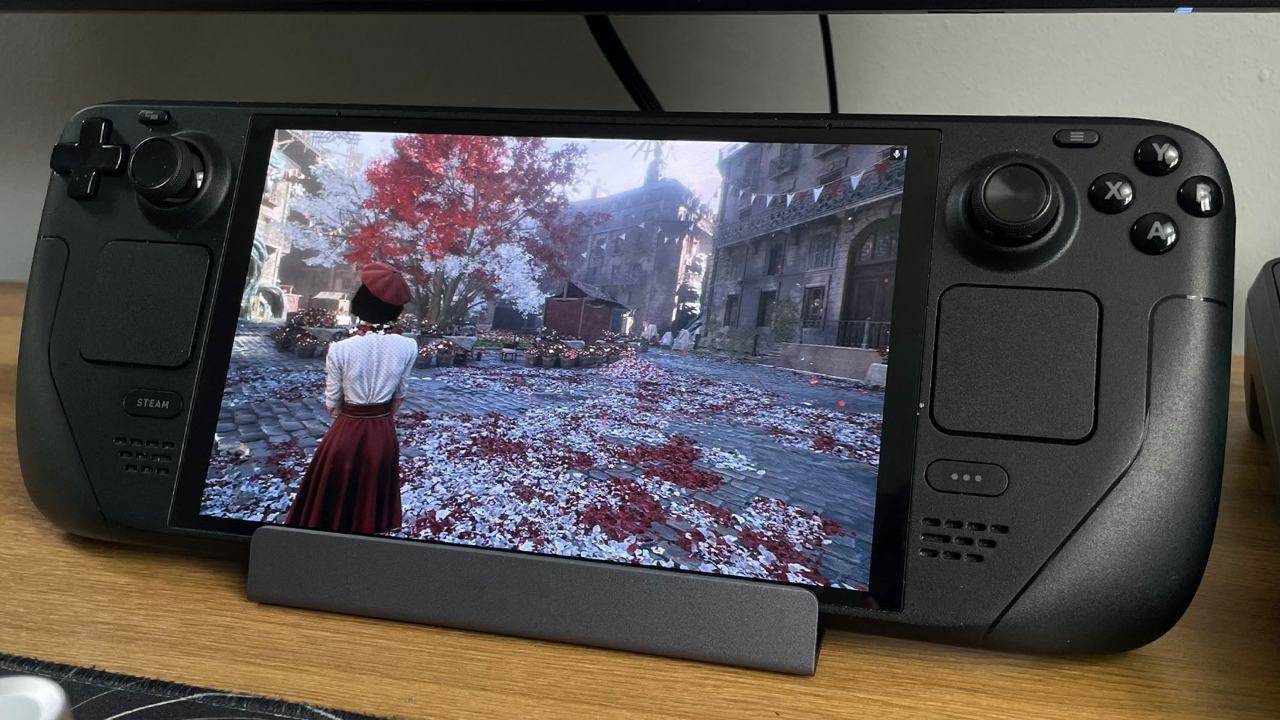
Steam Deck is still a classic handheld gaming device. It enjoys a high standard in the market due to its design, button layout and operating system. Trackpads are useful for some gaming situations and desktop tasks, but they're not what sets the Steam Deck apart. Mapping menus and navigation to the trackpads can make the game more fun, but many people, like me, can play without them.
The best thing about Steam Deck is the software and the overall experience. Trackpads are helpful, but they don't define the device. Whether you use it or not, it's the operating system, ergonomics and design that make the Steam Deck a true standout among gaming handhelds.
Check out our other handheld articles:
- ASUS ROG Ally X handheld review: Double the battery, double the comfort
- Nintendo Switch 2 vs. Original Switch 1: A Complete Comparison
- How to connect a camera and participate in voice chat with Nintendo Switch 2
- Nintendo Switch 2 review: handheld performance, features and value breakdown
- ROG Xbox Ally X Vs. ROG Ally X: Display, battery and controls
- ASUS ROG Ally X vs. Steam Deck OLED: Display, battery and gaming benchmarks
- MSI Claw 8 AI+ test: display, controls and gaming
- Nintendo Switch 2 vs. Steam Deck OLED: Gaming, performance, battery, display and value
- NVIDIA GeForce now on Steam Deck: battery life, gameplay, streaming